Commercial AV
Commercial AV Houston
Commercial AV should be reliable before the meeting starts. We design conference rooms, Teams and Zoom spaces, displays, cameras, microphones, DSP, racks, networks, control, and support paths as one complete system.
What we handle
Commercial rooms designed for real meetings, not just install day.
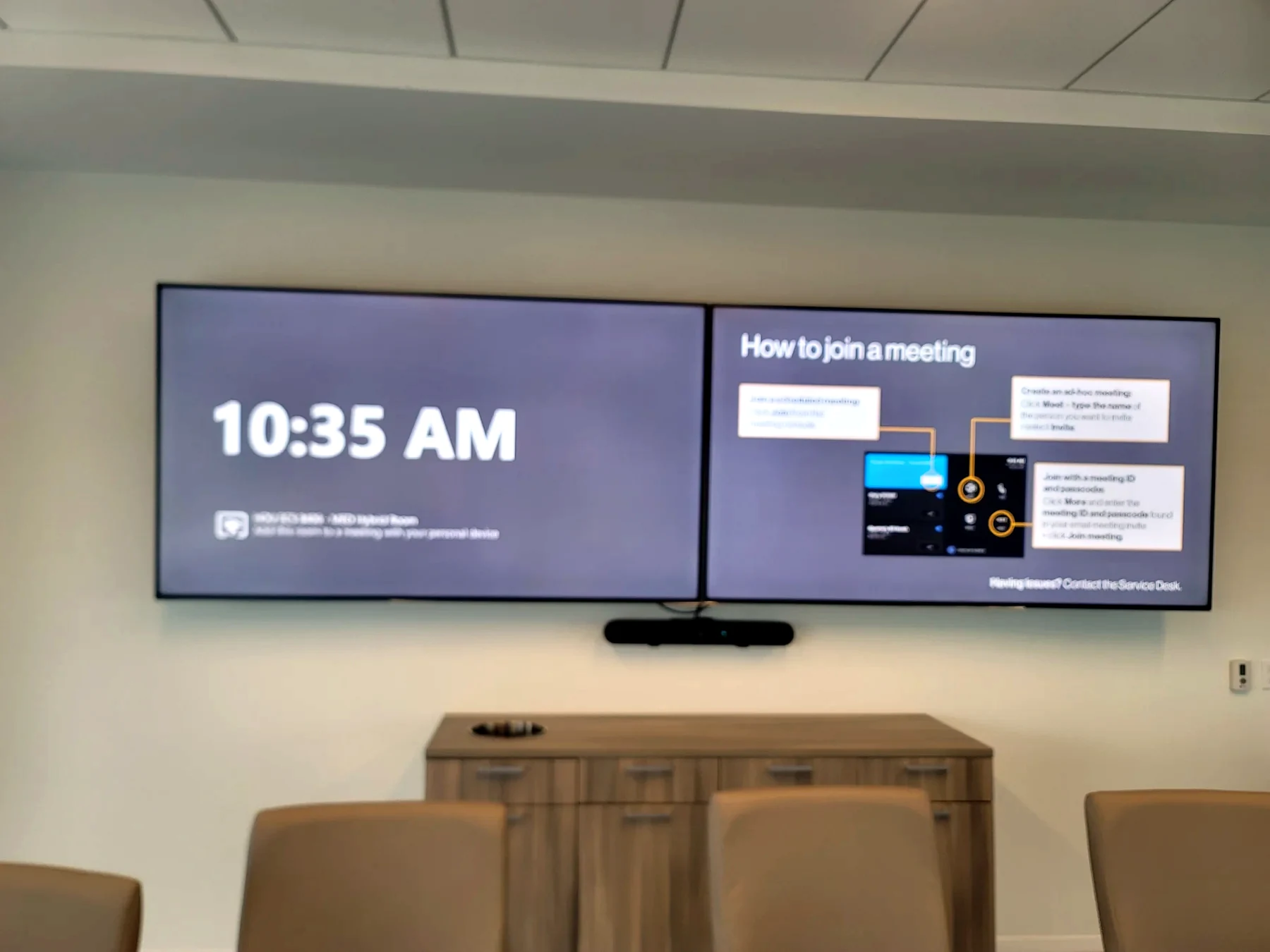
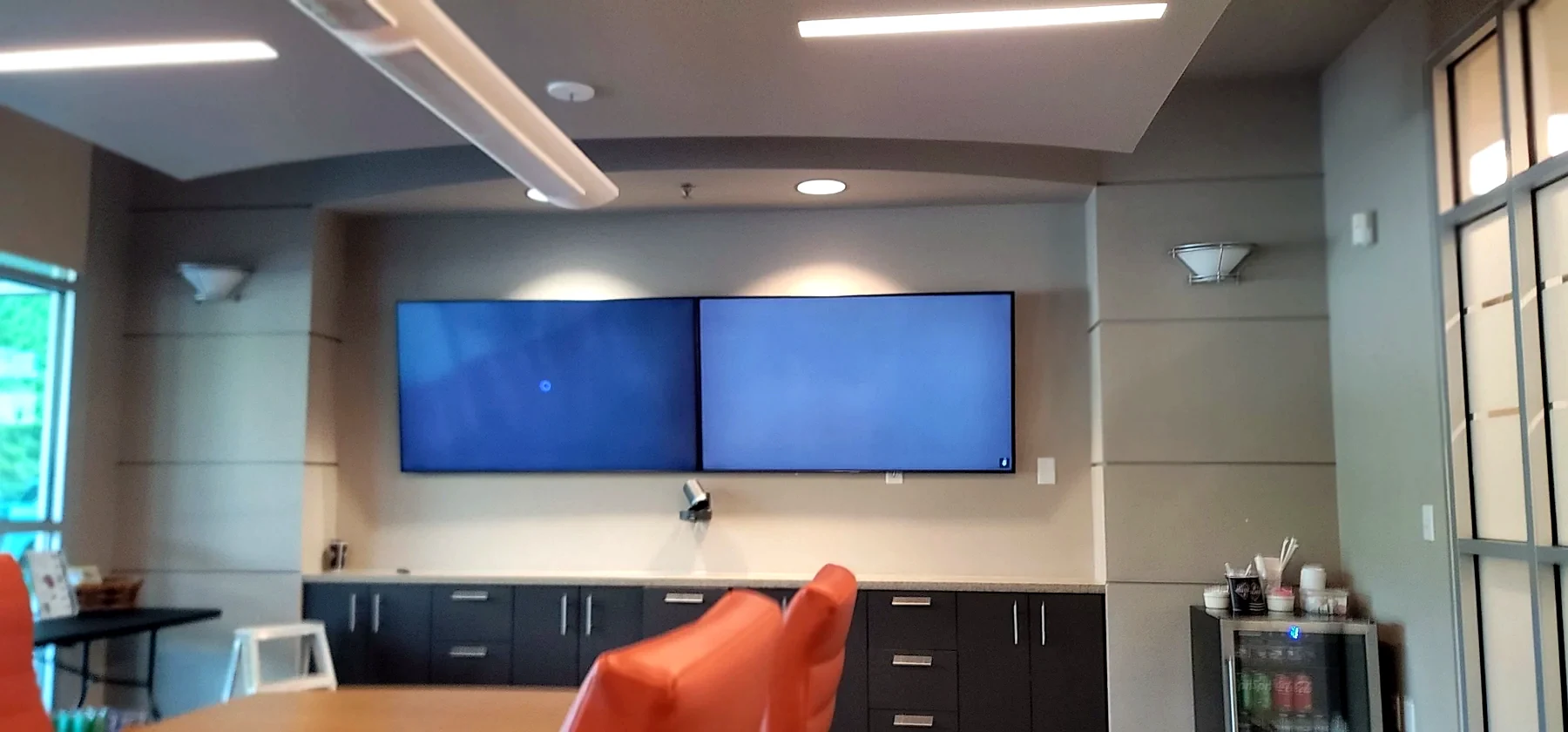
Displays, table inputs, cameras, microphones, speakers, DSP, control, and clean room startup.
Camera framing, microphone coverage, speaker placement, displays, compute, network, and user experience.
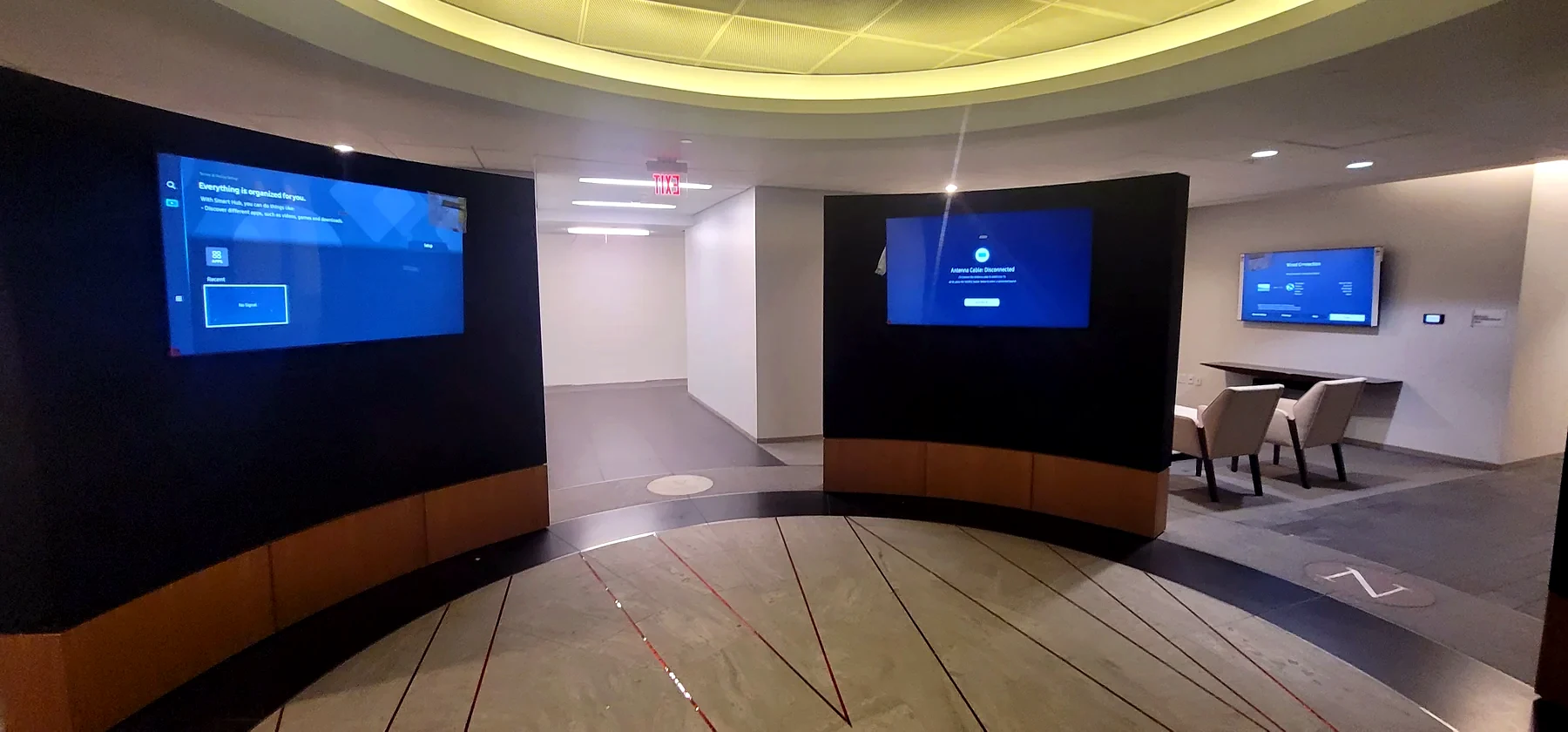
Commercial displays, mounting, signal distribution, power, layout, control, and service access.
Racks, labels, cable management, networked AV, documentation, and service paths.
Next step
Tell us what the room needs to do.
We can help with new installation, programming, repair, service recovery, upgrades, documentation, and support.
Commercial AV philosophy
Rooms have to work before the meeting starts.
Meeting-room reliability
Teams Rooms, Zoom Rooms, boardrooms, huddle rooms, and training spaces need simple startup, predictable audio, clear camera framing, and a control path that does not require a lesson every time.
Audio people can understand
Microphone placement, DSP programming, speaker coverage, acoustic conditions, and gain structure decide whether remote participants can actually hear the room.
Serviceable infrastructure
Commercial AV fails when racks, labels, power, network, USB paths, firmware, and documentation are treated as afterthoughts. We design for support, not just the install day.
Daily-use focus
The system should survive Monday morning: guest laptops, scheduled meetings, room PCs, touch panels, cameras, displays, wireless sharing, and support escalation.
Commercial service approach
Commercial AV is not about adding more equipment. It is about making the room reliable, repeatable, and easy to support.
Workflow-first design
We start with how the room is used: scheduled meetings, guest laptops, camera framing, microphone coverage, display visibility, touch-panel startup, and support escalation.
Diagnosis before replacement
When a room fails, we check power, network, DSP, USB paths, firmware, source routing, cabling, control logic, and rack condition before recommending replacement.
Controls people understand
The touch panel, room PC, camera presets, display routing, volume controls, and sharing options should be clear to staff and guests.
Supportable after we leave
Labels, documentation, clean racks, stable networks, firmware notes, and clear service access matter because commercial AV has to keep working after install day.