Home / Teams & Zoom Rooms Houston

Teams & Zoom Rooms Houston

Teams Zoom Rooms Houston

Teams and Zoom rooms need consistent audio, clear video, simple content sharing, room control, and supportable equipment.

Details

Built around the system, not a guess.

Platform planning

Teams, Zoom, BYOD, USB devices, room compute, and control workflow.

Audio and video

Camera placement, mic coverage, speakers, DSP, and echo control.

Displays

Single display, dual display, front-of-room layout, mounting, and visibility.

Support

Updates, labels, network, rack layout, and room documentation.
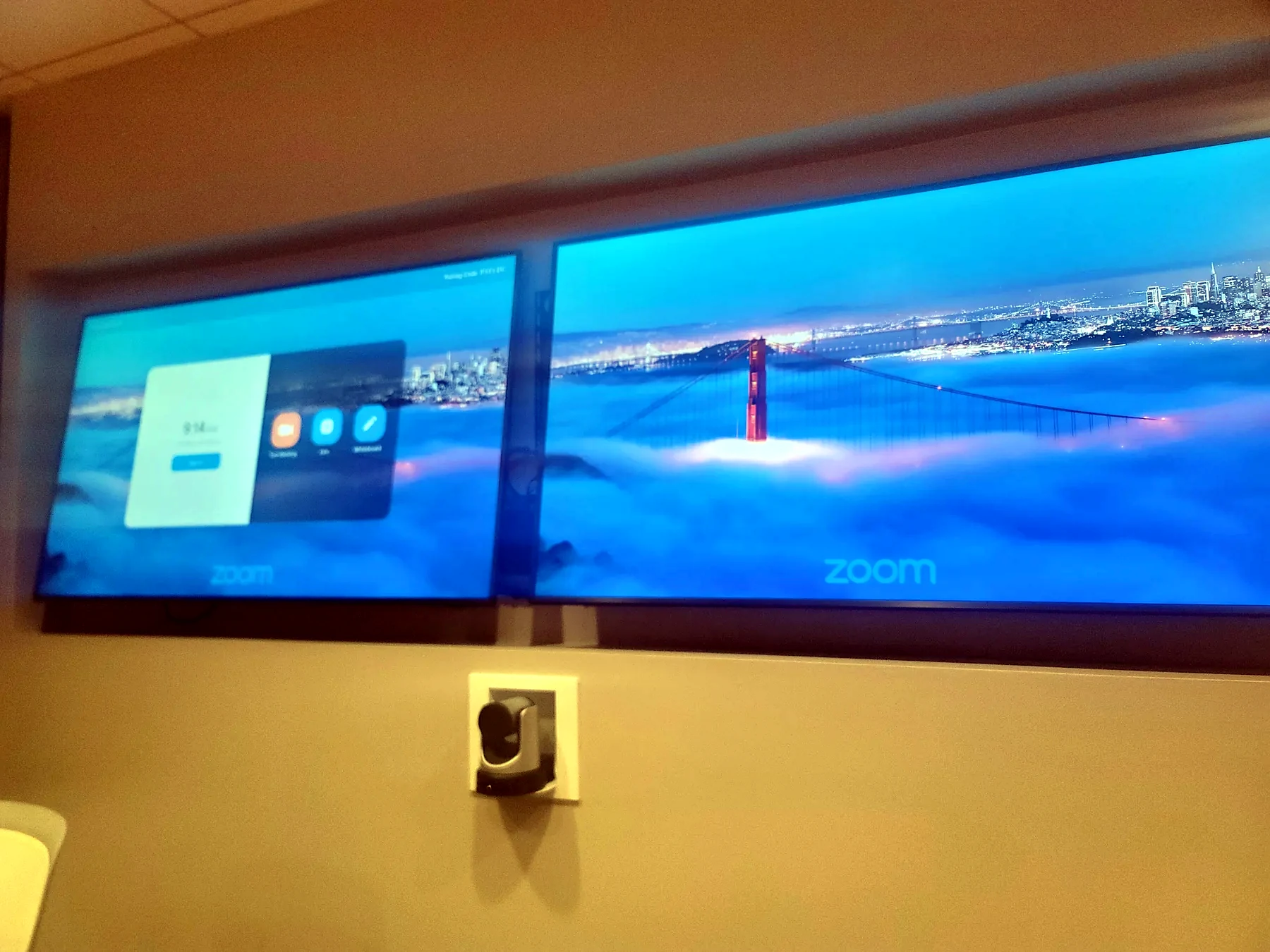
Dual display Zoom room with video conferencing camera and commercial display layout
Dual display Zoom room
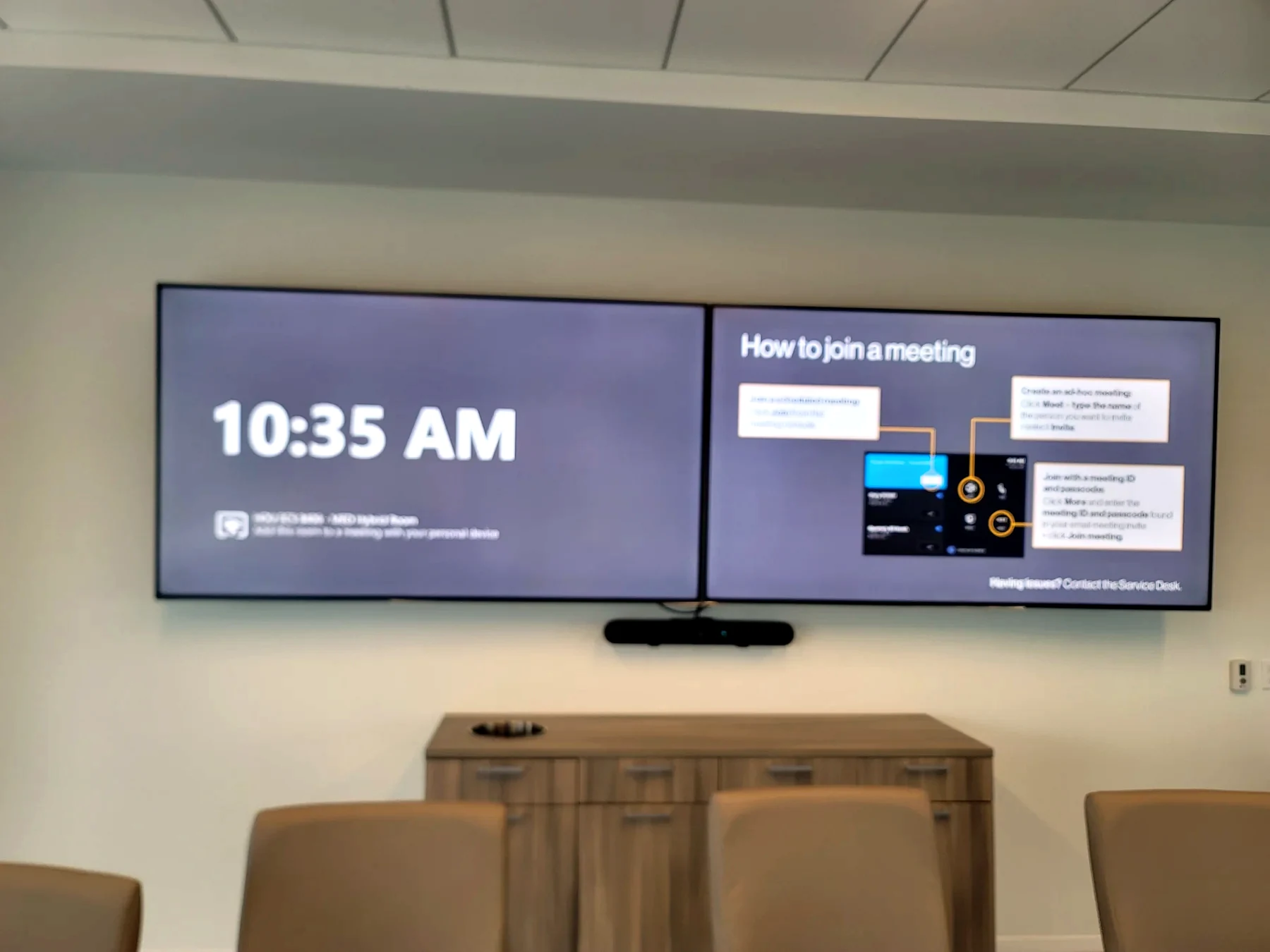
Microsoft Teams Room style front display with camera and meeting room furniture in Houston
Microsoft Teams room front display
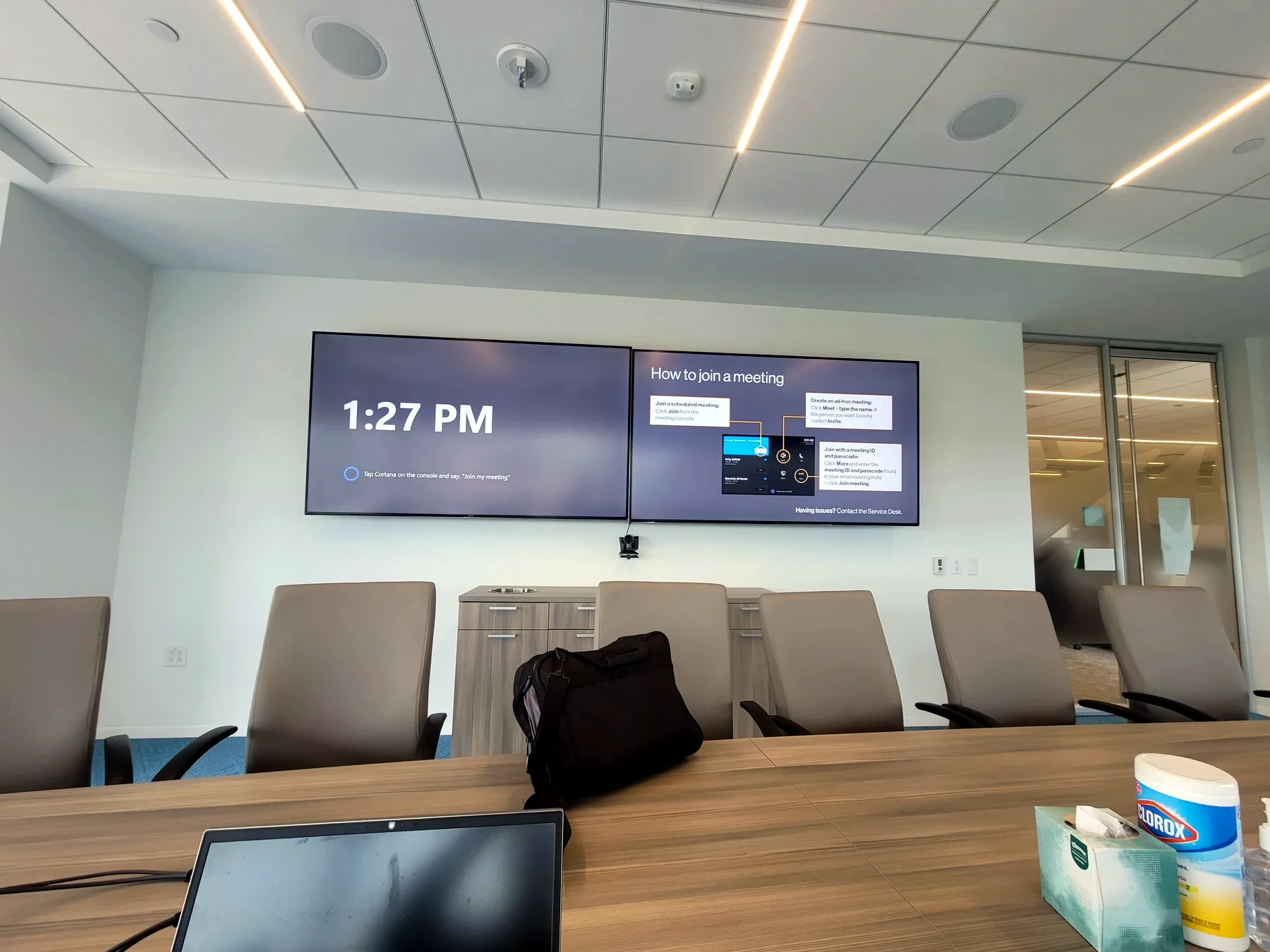
Conference room display camera table and commercial AV system for video meetings
Conference room display and camera system

Call Obsidian AV

Get a clear path forward.

We look at the room, the rack, the network, the programming, and the client experience before recommending equipment changes.

Commercial AV philosophy

Rooms have to work before the meeting starts.

Meeting-room reliability

Teams Rooms, Zoom Rooms, boardrooms, huddle rooms, and training spaces need simple startup, predictable audio, clear camera framing, and a control path that does not require a lesson every time.

Audio people can understand

Microphone placement, DSP programming, speaker coverage, acoustic conditions, and gain structure decide whether remote participants can actually hear the room.

Serviceable infrastructure

Commercial AV fails when racks, labels, power, network, USB paths, firmware, and documentation are treated as afterthoughts. We design for support, not just the install day.

Daily-use focus

The system should survive Monday morning: guest laptops, scheduled meetings, room PCs, touch panels, cameras, displays, wireless sharing, and support escalation.

Technical planning

The room only works when the system underneath it is stable.

Infrastructure first

Teams and Zoom rooms need a repeatable experience across platforms, devices, calendars, cameras, microphones, speakers, and displays.

Signal and control

Sources, displays, cameras, microphones, DSP, endpoints, processors, and control all need to report and behave predictably.

Network and support

Network design, labeling, firmware, device documentation, and access for service decide whether the room is supportable.

User experience

The system should be understandable to the people using it, not just the person who installed it.

Common questions

Can you troubleshoot existing commercial AV rooms?

Yes. We can inspect displays, cameras, microphones, DSP, control, network, rack infrastructure, cabling, and programming.

Can you standardize multiple rooms?

Yes. We can help create a consistent user experience across conference rooms, huddle rooms, training spaces, and video conferencing rooms.