Room hardware
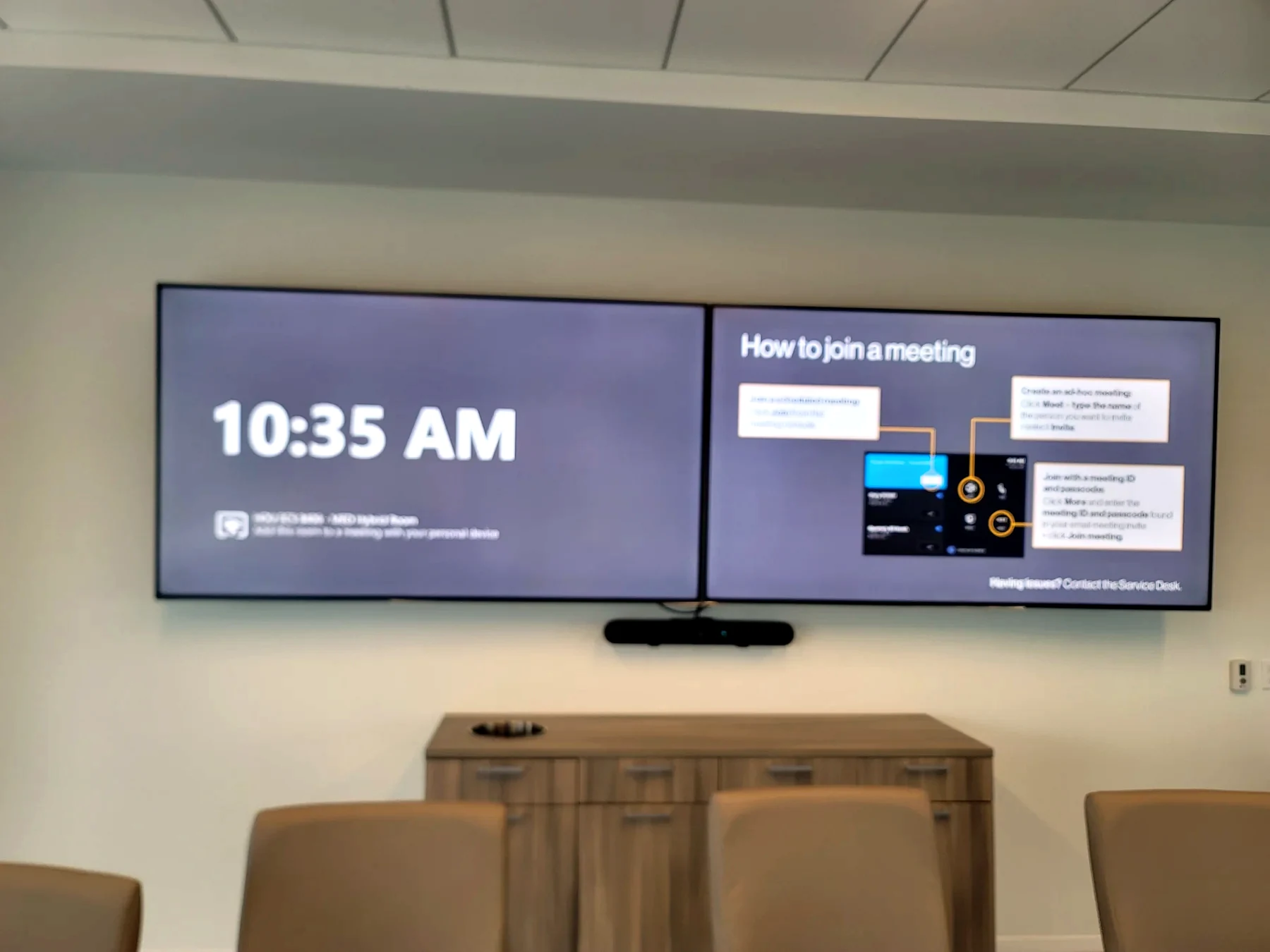
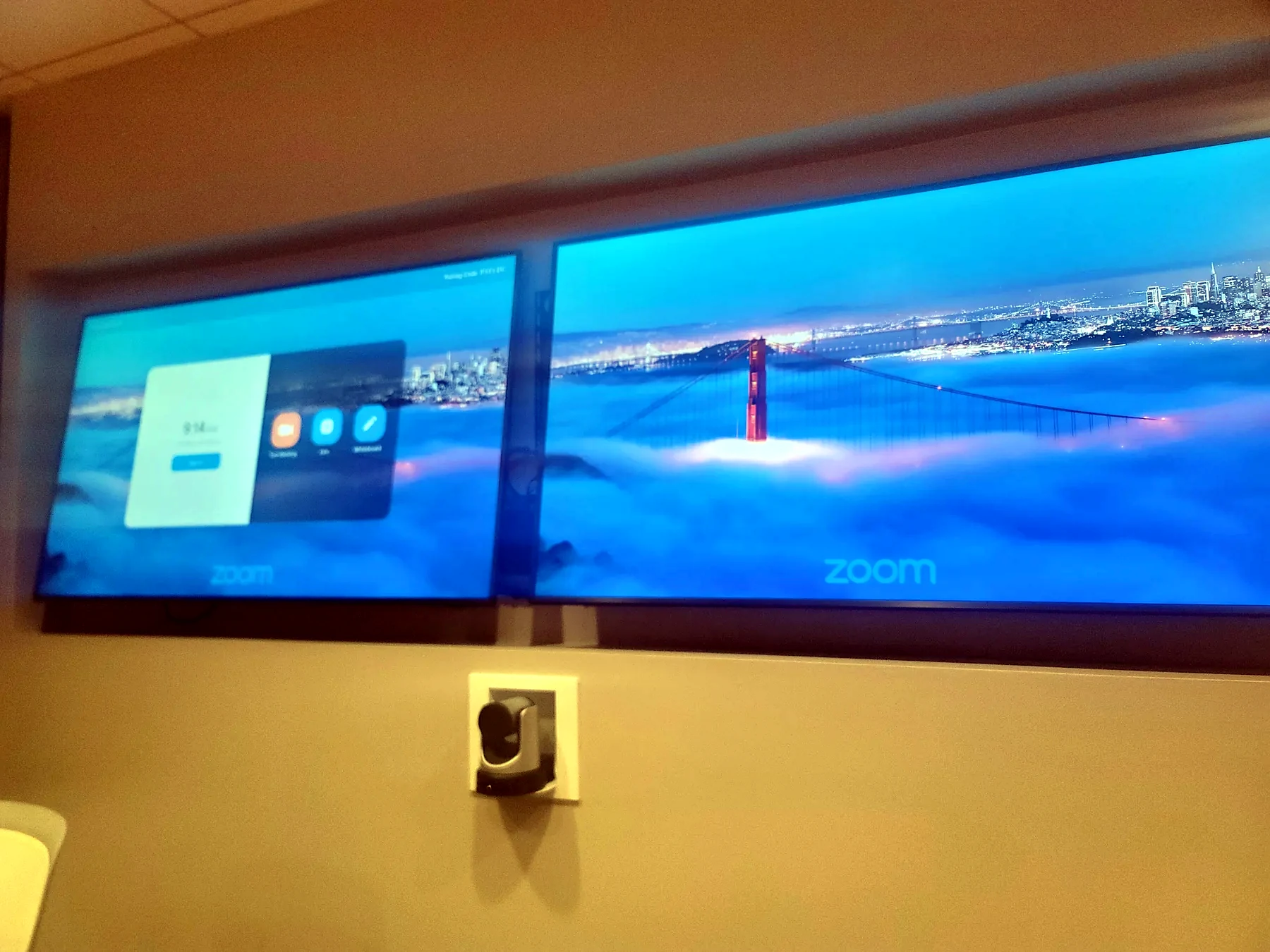
Displays, camera, compute, touch console, microphones, speakers, and cabling.
Microsoft Teams Rooms Houston
A Teams Room should start cleanly, show the right display, hear the table, frame the room, share content, and recover quickly when support is needed.
Details
Displays, camera, compute, touch console, microphones, speakers, and cabling.
DSP, mic coverage, echo cancellation, speakers, and room tuning.
Network stability, updates, service access, labels, and documentation.
Join, share, mute, volume, camera control, and room reset behavior.
Call Obsidian AV
We look at the room, the rack, the network, the programming, and the client experience before recommending equipment changes.
Commercial AV philosophy
Teams Rooms, Zoom Rooms, boardrooms, huddle rooms, and training spaces need simple startup, predictable audio, clear camera framing, and a control path that does not require a lesson every time.
Microphone placement, DSP programming, speaker coverage, acoustic conditions, and gain structure decide whether remote participants can actually hear the room.
Commercial AV fails when racks, labels, power, network, USB paths, firmware, and documentation are treated as afterthoughts. We design for support, not just the install day.
The system should survive Monday morning: guest laptops, scheduled meetings, room PCs, touch panels, cameras, displays, wireless sharing, and support escalation.
Teams and Zoom room planning
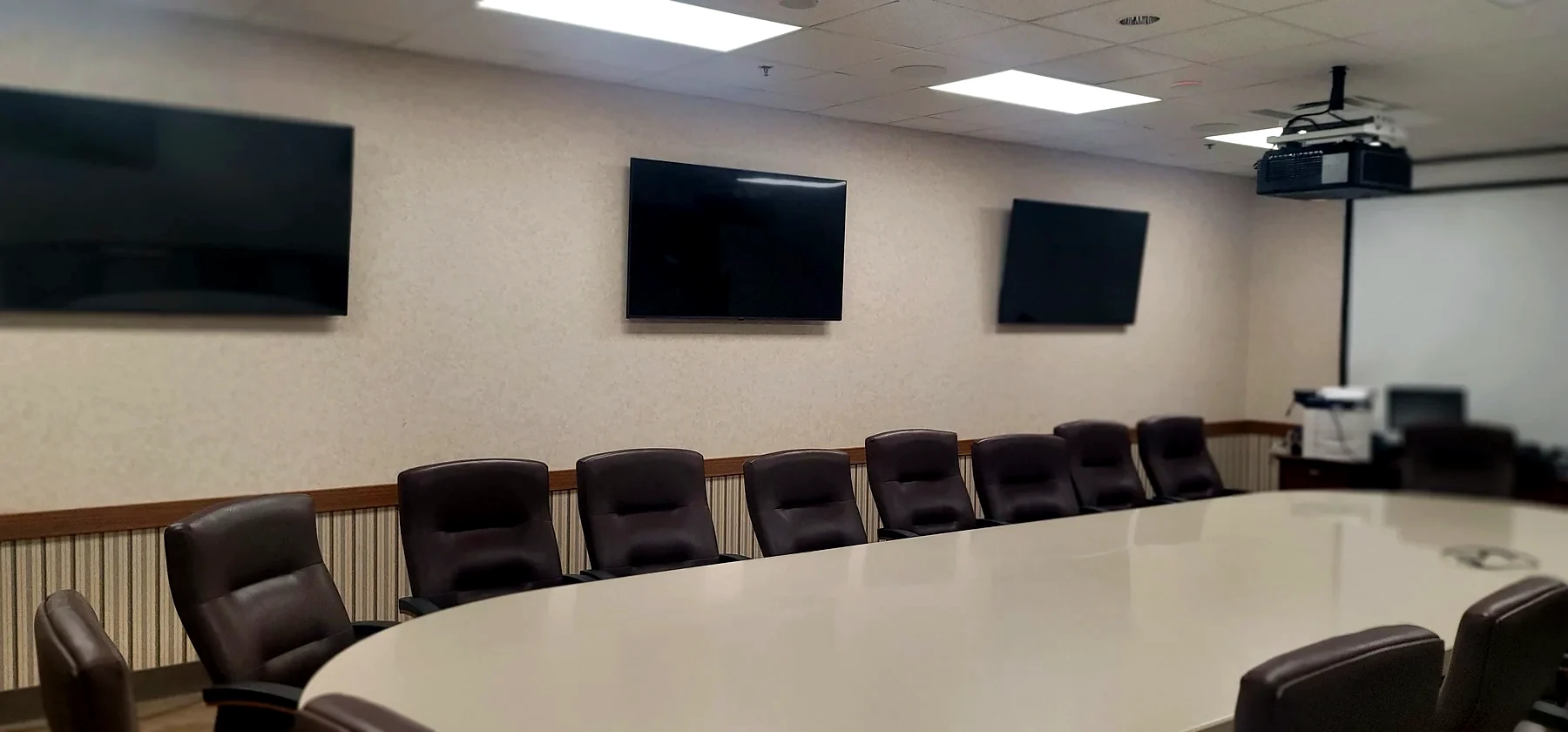
Camera position, display height, table length, sightlines, and participant framing determine whether the far end can actually read the room.
Good conferencing starts with microphone pickup, echo control, gain structure, speaker coverage, and DSP programming that matches the room instead of fighting it.
Teams Rooms and Zoom Rooms depend on stable USB paths, room PCs or appliances, firmware, network access, calendar behavior, and supportable cabling.
Users should walk in, join the meeting, share content, and leave without needing a technician. That is the standard the room should be built around.